 MacHabits
MacHabits: macOS, apps and everyday workflows

Menu bar icons hiding behind the notch? Fix it, then make the notch useful
On a notched MacBook, macOS quietly drops menu bar icons that don't fit beside the camera. How macOS 27's new overflow button works, the settings that win back space, which menu bar managers still work, and the apps that turn the notch into a live bar.
New this week: three problems MacBook owners write to us about more than any others. Browse all 46 articles.
Mac window management that finally behaves: tiling, switching and the free apps that fix the rest
Command-Tab switches apps, not windows. Minimized windows vanish. Tiling shortcuts work in some apps and not others. How to set up the built-in tools properly, where they fall short, and which free apps fill the gaps.
Your MacBook loses battery overnight with the lid closed. Here's how to find what's waking it
A sleeping Apple silicon MacBook should lose a few percent overnight, not twenty. The sleep log shows exactly what woke it and when. How to read it, and the settings that usually fix it.
Just published
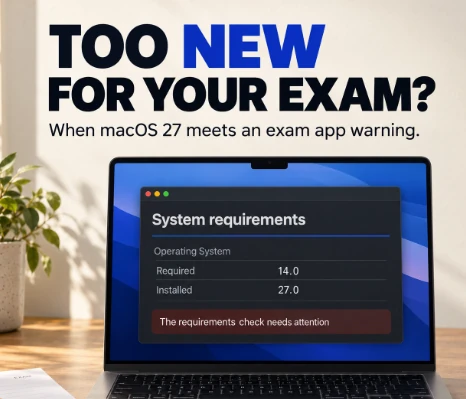
Examplify says your Mac is unsupported after macOS 27? What to check before exam day

Safari won’t load after macOS 27? Check iCloud Private Relay first
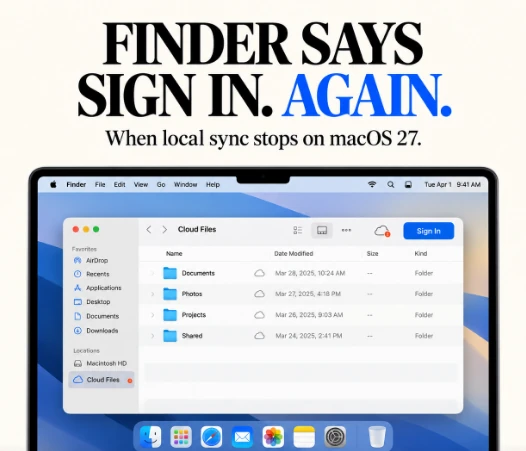
Drime keeps signing out in Finder on macOS 27: are your offline files still available?
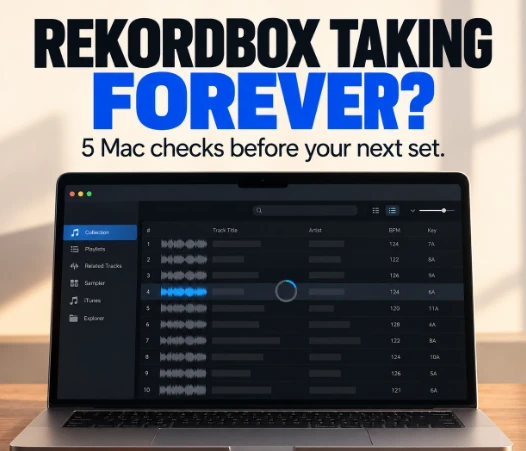
Rekordbox slow on Mac? Five things to check before your next set
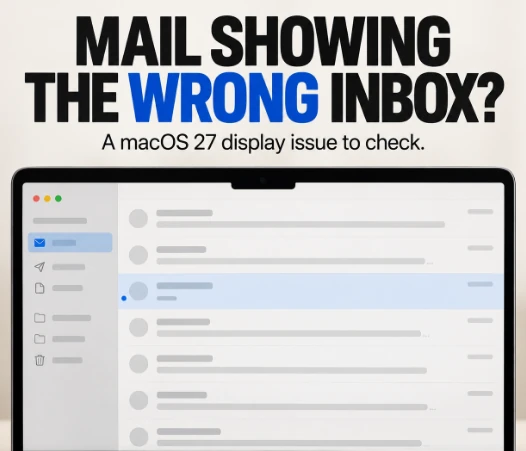
Apple Mail shows old or truncated messages on macOS 27?
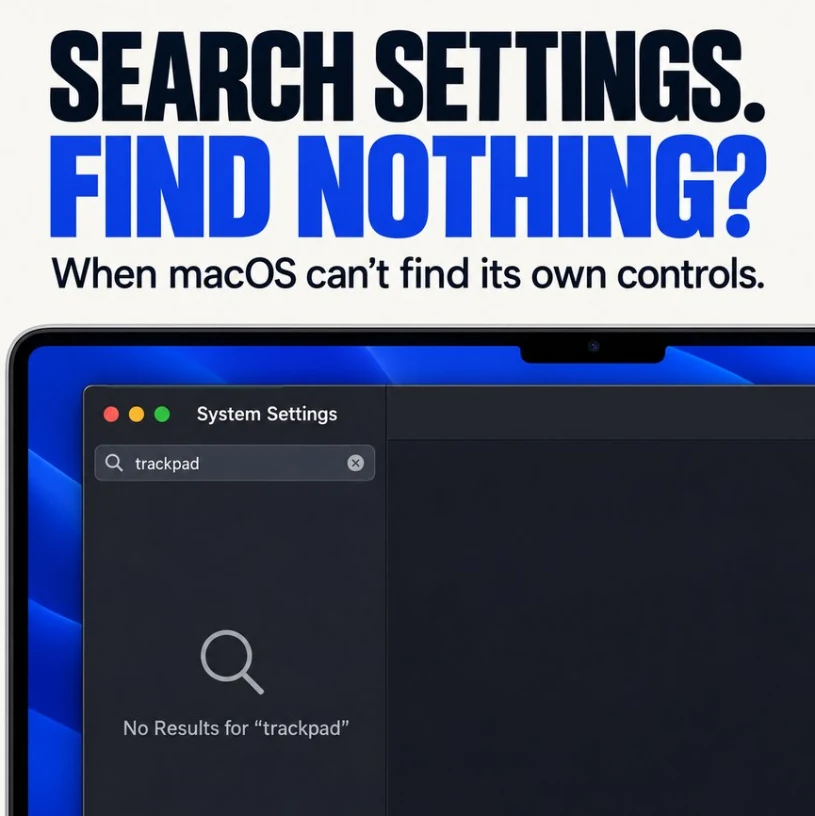
Search System Settings, find nothing? When macOS can’t find its own controls
macOS updated, Mac won’t start? When the progress bar stops moving
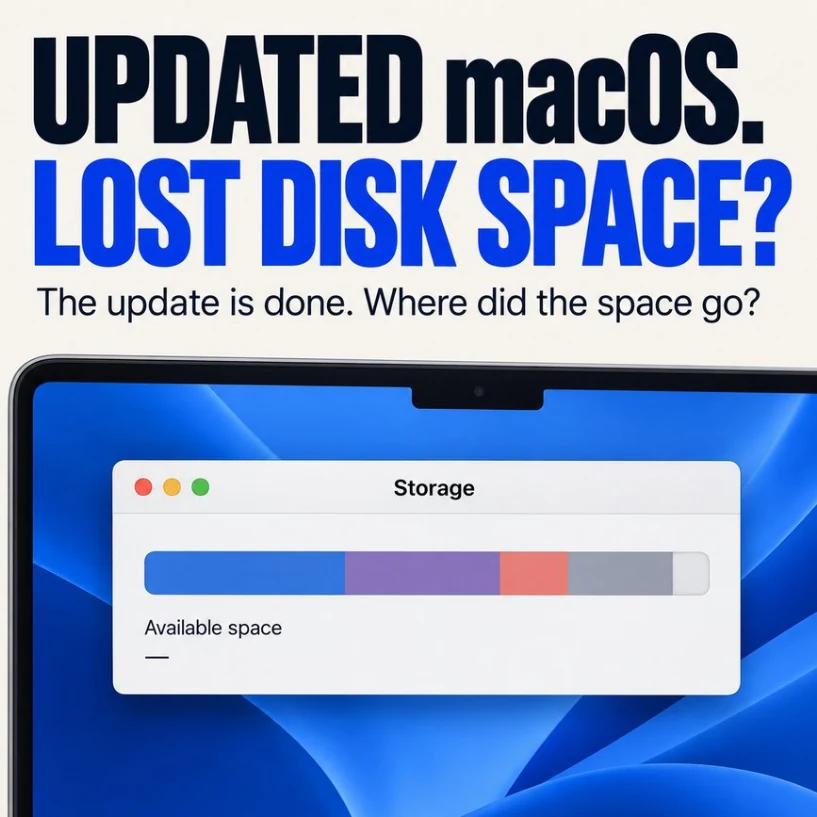
Updated macOS, lost disk space? Where the space went and how to get it back
Something broke?
The fixes readers open most. Each one starts with how to confirm the cause.
Workflow
Menu bar, windows, shortcuts and the small settings that decide how a Mac feels every day.
All 6 Workflow guides12 small macOS Golden Gate annoyances, and the workarounds that help
The Dock indicators you can barely see, windows that hide the menu bar, App Exposé ignoring minimized windows, the emoji key that stopped working, and more. The launch-week quirks users keep hitting, with practical fixes.
What to change right after upgrading to macOS Golden Gate
Ten minutes of settings that make macOS 27 easier to live with: Liquid Glass, Safari's automatic tab grouping, the Ask Siri clutter, background apps, and what not to touch yet.
MacBook
Battery, sleep, performance and the quirks that only Apple laptops have.
All 10 MacBook guidesYour Intel Mac can't run macOS Golden Gate. Here's what that actually means
Tahoe is the last macOS for Intel Macs. How long you'll get security updates, what stops working over the next three years, whether patchers are an option, and how to plan your move without panic.
macOS Golden Gate on an M1 or M2 with 8 GB: should you upgrade?
Golden Gate supports every M1 Mac, but 8 GB of memory is the real constraint. What you get, what you don't, what early reports say, and how to measure your own Mac before deciding.
Mac slow or draining battery after the Golden Gate update? Here's what's normal
The first days after upgrading to macOS 27 are slower and hotter than usual. How to confirm it's just indexing, how to help it finish, and the signs that something else is wrong.
Is macOS Golden Gate really faster than Tahoe? What the numbers show, and how to test your own Mac
Everyone says macOS 27 feels faster. The published benchmarks tell a more careful story. What's actually been measured, why 'feels faster' can be true anyway, and four scripts to measure memory, launch times, power, and battery yourself.
Gaming on macOS Golden Gate: faster Windows games, broken titles, and what to check first
Game Porting Toolkit 4 brings real performance gains to Windows games on Apple silicon, but CrossOver is changing, some games broke, and Rosetta's future matters more for gamers than anyone. A practical guide before you upgrade.
Your Intel apps won't open in macOS 28. Here's how to find them now
Apple has confirmed Rosetta is ending for most apps after macOS 27. How to find every Intel-only app, plug-in, and printer driver on your Mac, and what to do about each before next fall.
Does it work on macOS Golden Gate? App and device compatibility tracker
Status of popular Mac apps, utilities, and peripherals on macOS 27: confirmed, working with issues, beta builds, and known problems. Updated weekly, with sources.
Safari in macOS Golden Gate: the useful new features, and how to switch off the rest
Automatic tab topics, Notify Me page monitoring, AI-built extensions, and pull-to-refresh. What each one actually does, where the controls are, and how to keep Safari working the way you like.
Security
Crypto, malware, and the settings that keep a Mac and its accounts safe.
All 9 Security guidesIf you keep crypto on a Mac this week: update macOS, verify your wallet apps, and get seed files out of iCloud
A CoreGraphics zero-day fix, a MacSync version that swaps Ledger apps, and stealers that search for files named seed and wallet. Three checks, in order, that take fifteen minutes.
Drained while the MacBook slept: the hot wallet threat model on a Mac
Wallets get emptied at 3 a.m. while the laptop is closed. That’s because the thief signs transactions on their own machine with your stolen vault and password. How they get them, what macOS does and doesn’t protect, and a setup that works.
Still need an Intel wallet app? Stay on macOS 27, and don’t plan on 28
macOS 27 is the last version where Intel-only apps run on Apple silicon. If your wallet is one of them, your coins are safe, but your plan needs to change. What to secure, how to test a native wallet, and how to stay on 27 safely.
macOS 27
What changed in Golden Gate, whether to upgrade, and how to do it safely.
All 23 macOS 27 guidesApple Intelligence on macOS 27: why it takes 14 GB or more, and what you can actually do about it
Golden Gate users are finding 14 to 35 GB taken by Apple Intelligence, even with it turned off. What Apple says, what users are seeing, why the old 'just turn it off' advice doesn't settle it, and the safe ways to get space back.
Before you upgrade to macOS Golden Gate: 7 things to do first
A practical pre-upgrade checklist for macOS 27: a backup you can actually restore, the extensions and network setups Golden Gate breaks, and how to spot trouble before it costs you a workday.
Clean install or upgrade to macOS Golden Gate? What a fresh start actually fixes
Some users swear a clean install made their Mac fast again. Others say it's a wasted weekend. How macOS is built today, what a clean install really removes, and a faster way to get the same result on Apple silicon.
How much free space you actually need for macOS Golden Gate
The installer is about 18 GB, but that's not what you need free. Here's the real number, how to measure free space macOS isn't exaggerating, and safe ways to make room.