 MacHabits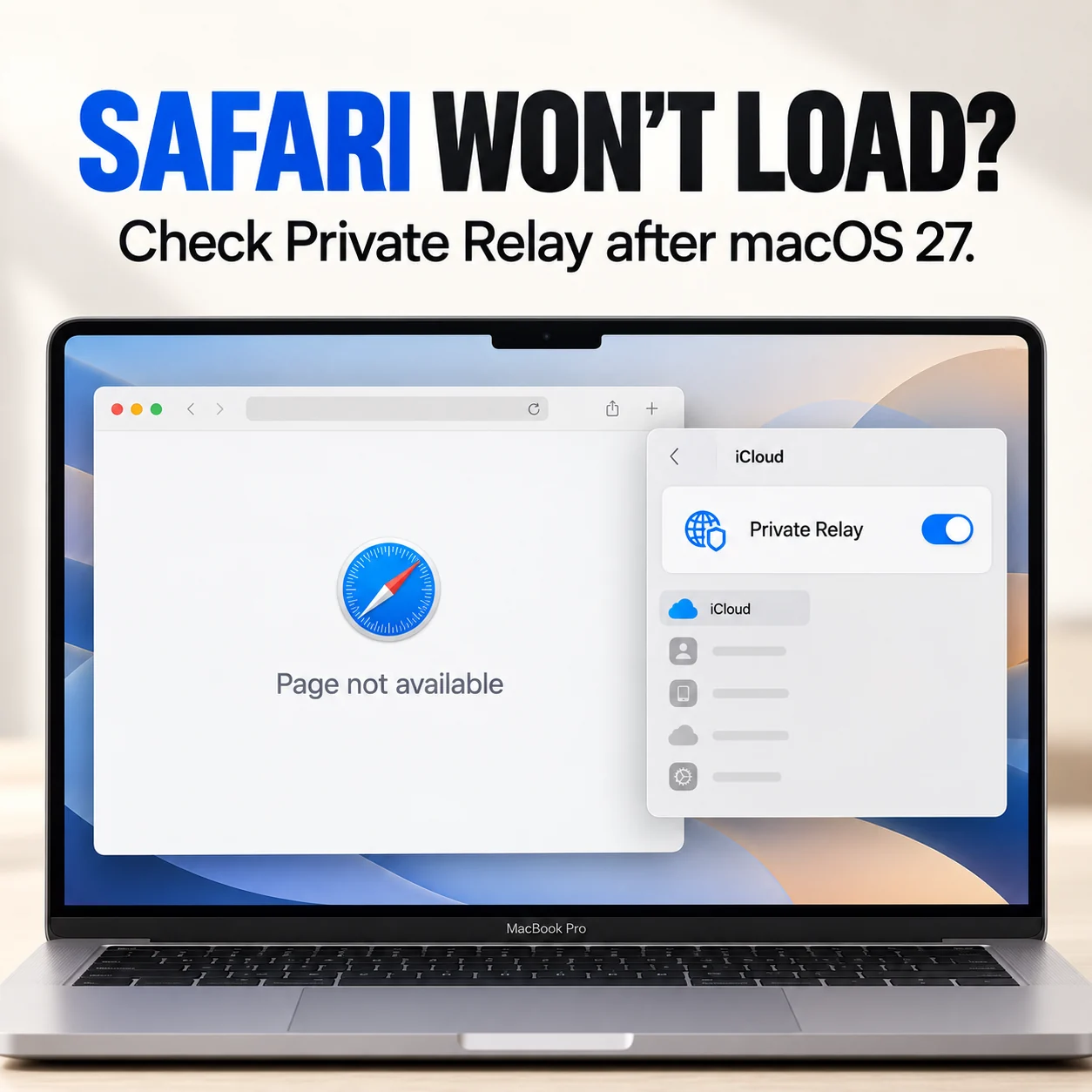
After updating to macOS 27, Safari stops behaving. Some sites never load, searching from the address bar does nothing, and pages you know use HTTPS show a “Not Secure” warning. Chrome or Firefox work fine. Your iPhone and iPad on the same Wi-Fi work fine too.
One report we’ve seen matches this almost exactly: a MacBook Air on macOS 27, home Wi-Fi, NextDNS for filtering, and every problem disappeared when iCloud Private Relay was switched off. Private Relay is one of the first things to check when Safari alone misbehaves after an update. Here is how to confirm it, and how to fix it without giving up privacy everywhere.
Why Private Relay affects only Safari
iCloud Private Relay, part of iCloud+, sends Safari’s web traffic through two separate relays so that neither your network provider nor the website sees both who you are and where you are going. It also handles Safari’s DNS lookups itself.
Other browsers don’t use Private Relay, which is why they keep working. It also means anything that expects to see or control Safari’s DNS can conflict with it: DNS filters like NextDNS or Pi-hole, router-level parental controls, work network filters, VPNs and some security software.
Confirm it in ten seconds
On a page that won’t load, choose View > Reload and Show IP Address in Safari. This reloads the page once without Private Relay. The option appears only when Private Relay is on for your current network.
- The page now loads: the problem is in the Private Relay path. Continue below.
- It still fails: Private Relay probably isn’t the cause. Check Safari extensions, your network and any VPN, or see our guide to Wi-Fi that’s connected but has no internet.
Check for an Apple outage
Private Relay is an Apple service, and it occasionally has problems of its own. Check Apple’s System Status page for iCloud Private Relay before you change settings. If there’s an outage, turning Private Relay off temporarily is the right fix, and you can turn it back on later.
If you use NextDNS or another DNS filter
This is the most common cause of Safari-only problems with Private Relay on a Mac. When both are active, Safari’s lookups go through Private Relay, and your filter may either not see them, or block the domains Private Relay needs.
- Check your filter’s logs for blocked Apple relay domains such as
mask.icloud.comandmask-h2.icloud.com. Some blocklists include them on purpose, which stops Private Relay from working properly. Allow them if you want to use both. - Choose one for this Mac. If you rely on NextDNS for blocking or parental controls, turn Private Relay off on the Mac, or at least on your home network. If you prefer Private Relay, let it handle Safari and use NextDNS for other apps and devices.
- Update or reinstall the filter’s profile or app after the macOS update. Profiles installed on older versions sometimes misbehave after a major update.
Your iPhone and iPad working on the same network doesn’t rule this out. Configuration profiles and DNS behave differently on each device, and the Mac’s setup was the one that changed with the update.
Turn it off for one network only
You don’t have to switch Private Relay off everywhere. Go to System Settings > Wi-Fi, click Details next to your network, and turn off Limit IP address tracking. Private Relay stays on for other networks, such as cafés and hotels, where it protects you most.
A narrower option reported to help: in Safari > Settings > Privacy, change Hide IP address from from Trackers and Websites to from Trackers only.
Reset Private Relay
If you don’t use a DNS filter and Private Relay still breaks Safari, reset it. Go to System Settings, click your name, then iCloud > Private Relay. Turn it off, restart the Mac, then turn it back on.
Also look at System Settings > Network for VPN configurations or content filters you no longer use, and remove them. Old network extensions from VPN or security apps are another common cause of Safari problems after a macOS update.
Report it
If Private Relay breaks Safari with no filter, VPN or security software involved, it may be a macOS 27 bug. Report it through Feedback Assistant or apple.com/feedback. Include your network setup and whether Reload and Show IP Address fixes the page.
The short version
If Safari alone fails after macOS 27 while other browsers work, test with View > Reload and Show IP Address. If that loads the page, Private Relay is involved. Check Apple’s System Status, look for a DNS filter such as NextDNS blocking relay domains, and turn off Limit IP address tracking for your home network rather than disabling Private Relay everywhere.